Visual regression testing without CI setup
SnapDiff is a completely free browser extension for manual visual regression review. Choose your page states, capture them, and inspect pixel differences without setting up a CI pipeline.
By SnapDiff / Updated


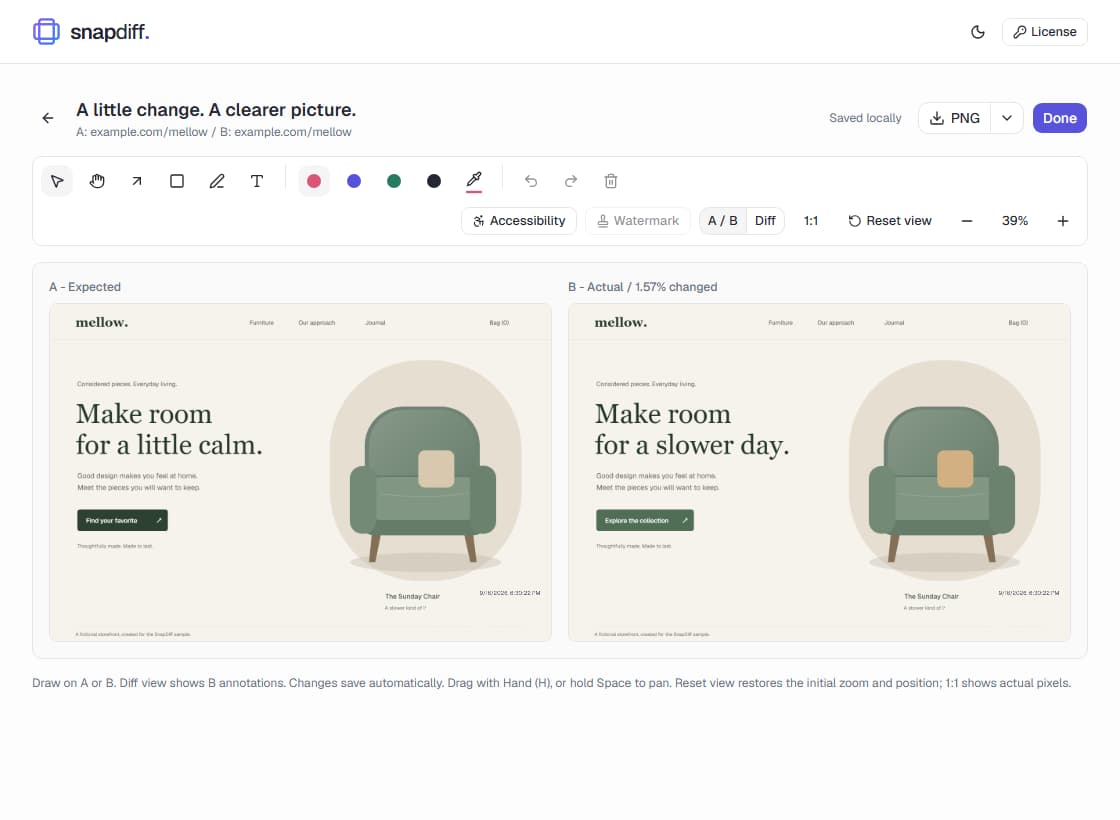
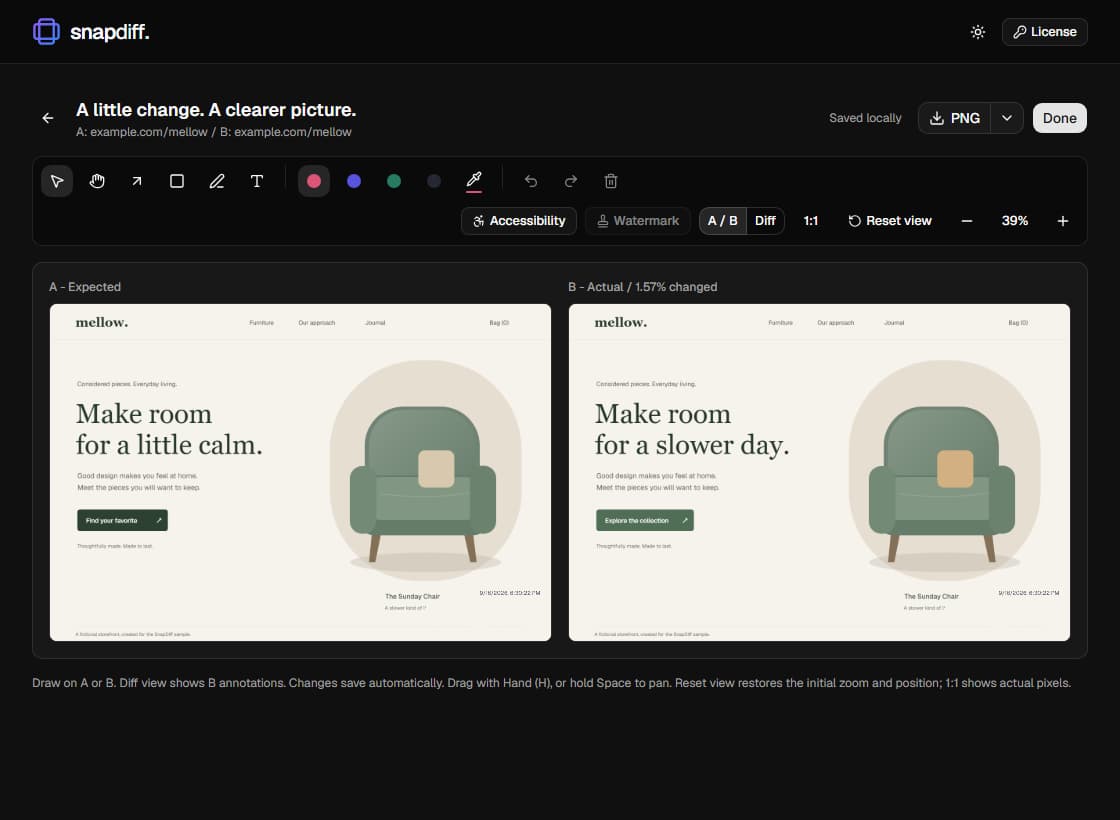
A check you can run while browsing
An automated test suite cannot cover an exploratory state you have not added yet. A QA engineer might find a wrapping label, a designer might spot a spacing change, or a developer might need to compare a local fix with production. Capture the two states with SnapDiff and make the difference visible without adding a pipeline job.
SnapDiff is completely free and requires no account, repository connection, backend setup, or payment details. Browser permissions and your organization's extension policy still apply. Keep the page visible during capture; this is a user-initiated workflow, not an unattended runner.
From suspected regression to reviewable evidence
Start with a reproducible state rather than a full-page capture of unrelated content. The tighter the question, the easier it is to decide whether a visual change is intentional. SnapDiff saves your original pixels, while annotations explain the part that needs attention.
- Capture the expected page or state as A, using a consistent viewport, zoom, and capture area.
- Capture the changed page as B and review the pair. Use pixel Diff even when image sizes differ, or inspect them side by side. Diff preserves native dimensions and counts non-overlapping areas as changed.
- Mark the relevant difference and export an image for the developer, designer, or product reviewer.
- Keep the issue and approval decision in your team's existing process. Add repeatable automated coverage separately when needed.
Go beyond a single desktop screenshot
Free includes unlimited screenshot comparison, responsive viewport presets, browser locale simulation, and visual UI review on Chrome. Optional local axe accessibility checks are included free in Chrome and Firefox. Use Multi to collect 2-5 images for a small set of layouts or states.
Viewport presets do not reproduce physical devices or other rendering engines. Locale simulation depends on the site supporting that language and requires reloading the page. Axe findings supplement, not replace, manual accessibility checks. Firefox has capture, comparison, annotation, export, and local axe support, but no responsive presets or locale simulation.
Know when you need an automated visual testing platform
If every commit needs a repeatable check, multiple reviewers need shared baselines, or browser coverage must gate a release, use an automated platform such as Percy or Chromatic. SnapDiff does not schedule captures, run functional tests, track Git-linked approvals, or fail a build. Manual review can complement that coverage, not replace it.
No CI setup is required for SnapDiff, but that does not mean other visual testing tools require CI for every workflow. Choose around local ad hoc capture versus managed recurring tests. The comparisons below explain those trade-offs without treating one approach as universally better.
Every SnapDiff feature is free
Capture, compare, annotate, and export without a workflow cap. Local axe accessibility checks, clean or custom watermarks, and timestamp controls are included. No account, payment, subscription, or activation key is needed. Screenshots stay in your browser.
Chrome 120+ is the full-feature baseline. Desktop Firefox 153+ is a limited-feature target, not a promise of a published store listing or complete browser parity. It does not support responsive presets or browser locale simulation. Read the browser support guide.